Holiday Hours Announcement Templates for Small Businesses (2026)
Ready-to-use holiday hours and closure templates for every channel, with the 2026 Thanksgiving-to-New Year dates and a posting schedule.
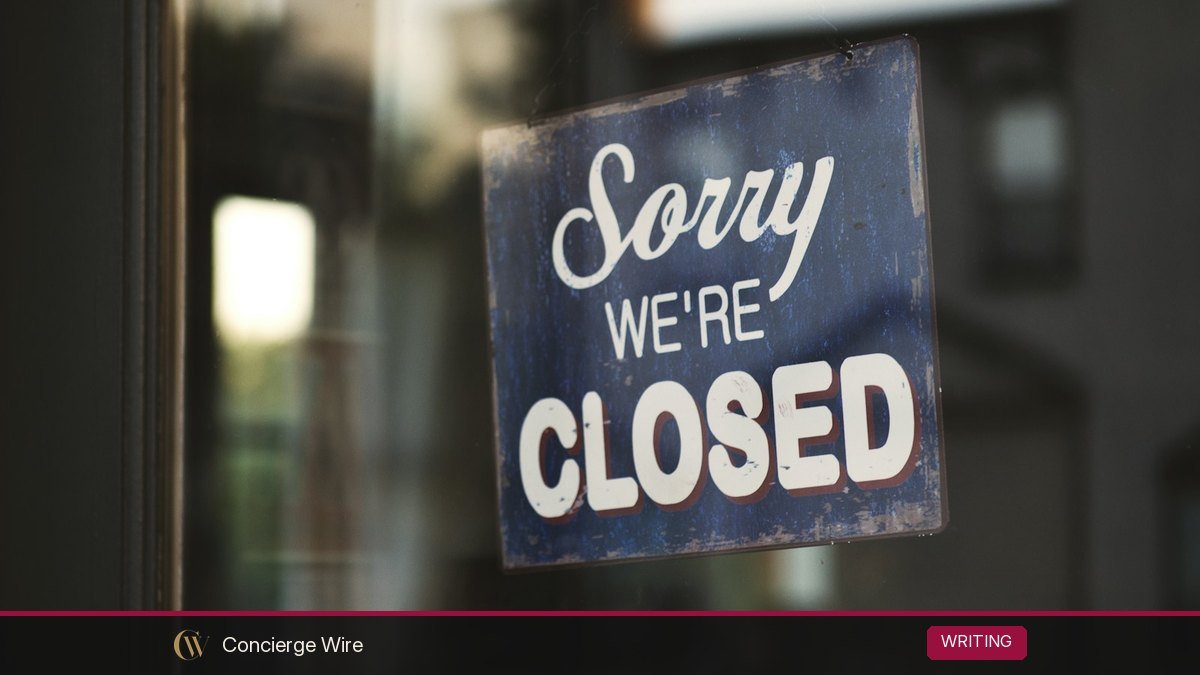
Customers check your hours on Google, your website, Instagram and your voicemail, and during the holidays all of those places need to say the same thing. This guide gives you copy-and-paste holiday hours templates for email, website banners, Google Business Profile, social media, voicemail and door signs, plus a 2026 date calendar and a schedule for when to post each one. Updated October 2026.
Key Takeaways
- In 2026, Thanksgiving is Thursday, November 26, Christmas Day is Friday, December 25, and New Year’s Day 2027 is Friday, January 1, so many businesses will be looking at two long weekends in a row.
- Post holiday hours about two weeks ahead, remind customers 2 to 3 days before, and update every channel on the same day.
- On Google Business Profile, use “Special hours” for closures of up to 6 days in a row and “Temporarily closed” for 7 days or more.
- A good announcement answers four things: which dates, what hours, what still works (online orders, emergency line), and when you are back.
- Keep one master list of your holiday hours and copy from it, so your website, Google and voicemail never contradict each other.
2026 holiday dates small businesses plan around
Here are the dates most US small businesses adjust hours for between Thanksgiving and New Year. Federal holiday dates come from the U.S. Office of Personnel Management’s federal holiday schedule. Private businesses are not required to close on federal holidays, but banks, post offices and many of your customers’ offices will be closed, which changes foot traffic and deliveries.
| Date | Day | Occasion | Typical small-business change |
|---|---|---|---|
| November 26, 2026 | Thursday | Thanksgiving Day (federal holiday) | Closed, or short morning hours for food and floral businesses |
| November 27, 2026 | Friday | Day after Thanksgiving (Black Friday) | Extended hours for retail; closed for many offices |
| November 28, 2026 | Saturday | Small Business Saturday | Regular or extended hours for local shops |
| December 24, 2026 | Thursday | Christmas Eve | Early closing, often 2 to 4 p.m. |
| December 25, 2026 | Friday | Christmas Day (federal holiday) | Closed |
| December 31, 2026 | Thursday | New Year’s Eve | Early closing for offices; late hours for restaurants and bars |
| January 1, 2027 | Friday | New Year’s Day (federal holiday) | Closed |
Because Christmas and New Year’s Day both land on Fridays in this cycle, some businesses will close Thursday afternoon through Sunday twice in a row. Decide your hours for both weeks at the same time so you announce them once, not in two confusing waves. Some employers also give staff December 24 or 26 off; that is a company choice, not a federal rule for 2026.
Decide your hours before you write anything
The most common holiday-hours mistake is not the wording. It is announcing hours, then changing them, and only updating half your channels. Settle these questions first and write the answers in one master document:
- Exact dates and times. For every day from November 25 to January 2, write “regular”, “closed” or the specific hours.
- What still works. Online store, phone orders, curbside pickup, customer portal, emergency or on-call line.
- Order and shipping cutoffs. If you ship products, give the last date to order for delivery before a holiday, and check it against your carrier’s published schedule.
- Response times. If email and support are slower, say by how much (“replies within 2 business days”).
- The return date. “We reopen Monday, January 4, 2027 at 9 a.m.” is clearer than “after the holidays”.
Then assign one person to update every channel on the same day. A shared checklist with a column per channel (website, Google, Apple Maps, Yelp, Facebook, Instagram, email, voicemail, door sign) takes ten minutes to build and saves angry reviews from customers who drove to a locked door.
When to post each announcement
| Channel | First post | Reminder | Remove or reset |
|---|---|---|---|
| About 2 weeks before the first change | 2 to 3 days before each closure | Not needed | |
| Website banner | 2 weeks before | Update text as dates pass | The day regular hours return |
| Google Business Profile | As soon as hours are final | Confirm suggested holidays | Usually nothing to remove; special hours apply only to the dates you set |
| Social media | 2 weeks before | The day before | Unpin when holidays end |
| Voicemail | The afternoon you close | Not needed | The morning you reopen |
| Door sign | 1 week before | Not needed | The morning you reopen |
Holiday hours email templates
Send the main email about two weeks before your first change and a short reminder two or three days before. Keep the subject line specific. A subject like “Our holiday hours (and last order dates)” tells people exactly why to open it. If you want to test a few versions, a free tool such as our headline analyzer can help you compare subject lines before you send.
Template 1: full holiday schedule email
Subject: Our 2026 holiday hours and last order dates
Hi [First name],
Thank you for a wonderful year. Here is our schedule for the holidays so you can plan ahead:
- Thursday, November 26 (Thanksgiving): Closed
- Friday, November 27: 8 a.m. to 8 p.m. (extended hours)
- Thursday, December 24: 9 a.m. to 2 p.m.
- Friday, December 25: Closed
- Thursday, December 31: 9 a.m. to 3 p.m.
- Friday, January 1: Closed
Our online store stays open 24/7. Orders placed after [cutoff date] will ship when we reopen on [date].
Questions? Reply to this email or call [phone].
Warm wishes,
[Name], [Business name]
Template 2: short reminder email
Subject: Reminder: closed Christmas Day, open again Saturday
Quick heads-up: we close at 2 p.m. on Thursday, December 24 and stay closed Friday, December 25. We are back to regular hours on Saturday, December 26. Happy holidays from all of us at [Business name].
Template 3: B2B or service business email
Subject: Holiday office closure: December 24 to January 1
Hello [Name],
Our office will be closed from Thursday, December 24, 2026 through Friday, January 1, 2027, and will reopen on Monday, January 4, 2027. During the closure, our team will check email once a day for urgent issues. For emergencies affecting [service], call [on-call number].
To make sure your [invoices / orders / projects] are processed before the break, please send them by [date].
Thank you for your partnership this year.
[Name], [Title]
Website banner and homepage templates
A thin banner across the top of every page is the simplest way to tell web visitors. Keep it to one line, link it to a full schedule, and remove it the day you return to normal.
- Thanksgiving banner: “Closed Thursday, Nov 26 for Thanksgiving. Open 8 a.m. to 8 p.m. Friday, Nov 27. See all holiday hours.”
- Christmas banner: “Holiday hours: closing 2 p.m. Dec 24, closed Dec 25. Order by Dec [X] for delivery before Christmas.”
- Office closure banner: “Our office is closed Dec 24 to Jan 1. Online booking stays open. We’ll reply to messages from Jan 4.”
- E-commerce banner: “Last day for standard shipping before Christmas: [date]. Need it later? Choose express at checkout.”
Also update the hours on your contact page and footer. Customers often scroll to the footer first, and a footer that still shows “Mon to Fri 9 to 5” on December 25 undoes your banner.
Google Business Profile: how to set special hours
For local businesses, your Google listing is often the first place people check. According to Google’s Business Profile help page on special hours, special hours are meant for holidays or events when you change your hours or close for up to six days in a row. The basic steps are:
- Open your Business Profile and select Edit profile, then Hours.
- Next to Special hours, select Edit.
- Pick the date. Google often suggests upcoming holidays, which you can confirm, or you can add a custom date.
- Check Closed, or uncheck it and enter your hours for that day.
- Select Save.
Three details from Google’s guidance are easy to miss:
- Google suggests confirming your hours for holidays even when they are the same as usual. That tells customers the hours are accurate rather than out of date.
- Special hours only show if your regular hours are set to “Open with main hours”.
- If you will be closed for 7 or more days in a row, Google says to mark the business as Temporarily closed instead of adding special hours.
Do the same on the other listings you control, such as Apple Business Connect, Bing Places, Yelp and Facebook. Each has its own hours editor, and customers use different apps.
Social media post templates
Post once two weeks out and again the day before. Use an image with the dates in large text so the information survives when people only glance at the post.
Instagram or Facebook post
Holiday hours are here. We’re closed Thanksgiving Day (Thu, Nov 26) so our team can be with family, and we’re open 8 a.m. to 8 p.m. on Friday, Nov 27. Save this post so you have the dates handy. Full schedule at the link in our bio.
Christmas and New Year post
Planning ahead? Here are our hours for the next two weeks:
Dec 24: 9 a.m. to 2 p.m.
Dec 25: Closed
Dec 31: 9 a.m. to 3 p.m.
Jan 1: Closed
Every other day: regular hours. Thank you for shopping local this year.
LinkedIn post for B2B
Our team is taking a break from December 24 to January 1 to recharge. Client support stays available for urgent issues at [contact]. We’re back Monday, January 4, 2027, and looking forward to a strong year with you.
Pin the post to the top of your profile until the holidays are over, and update your “hours” field on Facebook and the contact button on Instagram if you use them.
Voicemail, door sign and receipt templates
Holiday voicemail script
“Thank you for calling [Business name]. Our office is closed from Thursday, December 24 through Friday, January 1 for the holidays. We reopen Monday, January 4 at 9 a.m. If this is an urgent [service] issue, please call [on-call number]. You can also place orders anytime at [website]. Please leave your name and number and we’ll call you back when we return. Happy holidays.”
Record it the afternoon you close, not a week early. A voicemail that says “we’re closed” while you are still open loses calls.
Door or window sign
Holiday Hours
Thu, Nov 26: Closed
Fri, Nov 27: 8 a.m. to 8 p.m.
Thu, Dec 24: Close at 2 p.m.
Fri, Dec 25: Closed
Thu, Dec 31: Close at 3 p.m.
Fri, Jan 1: Closed
Shop anytime at [website]
Use large type and post it at eye level at least a week ahead. Printing the same schedule on receipts or bag stuffers in early December reaches regulars who never read email.
Mistakes that cost holiday customers
- Vague wording. “Reduced holiday hours” means nothing. Give days and times.
- Forgetting the return date. Customers want to know when they can come back, not just when you’re gone.
- Mismatched channels. Website says closed, Google says open. Update everything from the master list on the same day.
- Burying shipping cutoffs. If you sell online, the last order date matters more to customers than your store hours.
- Leaving the banner up in January. An expired holiday notice makes the whole site look abandoned.
If your closure itself is a story, for example you are closing for a week to give staff paid time off or hosting a community event while you are closed, that can be worth sharing with local media. Our guide to what a press release is explains when an announcement is newsworthy, and our press release examples show how businesses frame community news.
Frequently Asked Questions
When should a small business announce holiday hours?
About two weeks before the first change is a good default, with a reminder two or three days before each closure. Update Google and your website as soon as your hours are final, because people search for hours on the day they plan to visit.
Do private businesses have to close on federal holidays?
No. Federal holidays apply to federal employees. Private businesses set their own hours, although state laws and employment agreements can affect holiday pay. Check your state labor department or an employment professional if you are unsure.
How do I show holiday hours on Google?
Use the Special hours section of your Google Business Profile for each date you change. For closures of 7 days or more in a row, Google recommends marking the business as temporarily closed instead.
What should a holiday closure email include?
The dates and hours, what stays available (online store, emergency line), any order or shipping cutoffs, how fast you will reply, and the exact date you reopen.
Should I post holiday hours if they are the same as usual?
Yes, briefly. Confirming that you are open on December 24 or December 31 can bring in customers who assume you are closed. Google also suggests confirming holiday hours even when they do not change.
What dates are Christmas and New Year’s Day in 2026?
Christmas Day is Friday, December 25, 2026, and New Year’s Day is Friday, January 1, 2027. Thanksgiving 2026 is Thursday, November 26.
Set it once, copy it everywhere
Write your master schedule this week, then paste from it into each template above. One afternoon of work covers every channel from Thanksgiving to New Year, and customers get the same answer wherever they look. That consistency is what turns “are they open?” into a visit.